Mastering Logix Applications using Factory I/O Online Course
$49.00
*** For the most up-to-date course details, please visit the course page HERE ***
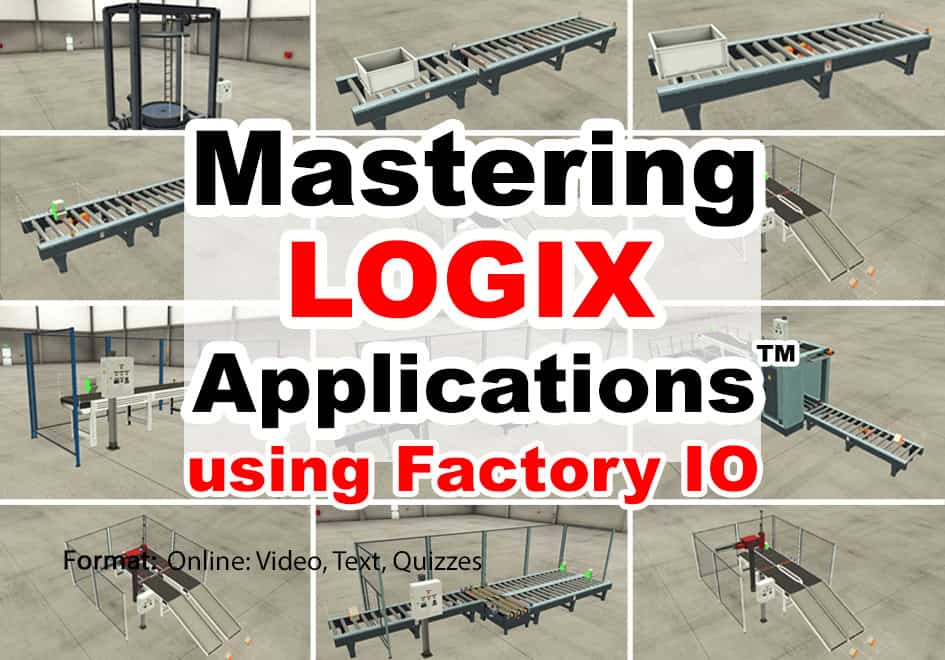
Learn to create ControlLogix and CompactLogix programs to solve several of the built-in Factory I/O “Scenes” based on real world applications.
Note: This course does not include a Programmable Controller, PAC Programming Software, or a Factory IO license, all of which are required to complete the optional exercises included in this course. Students may wish to contact Rockwell directly to obtain a 30 day trial (TA) of Studio 5000 and Logix Echo to use with the 30 day trial of Factory I/O from FactoryIO.com to complete the optional hands-on exercises.
What you’ll learn:
✓ How to Install and Use Factory I/O
✓ How to connect Factory I/O to your PLC
✓ How to solve several of Factory I/O “Scenes”
✓ PLC, Programming Software, and Factory I/O NOT Included
For the most up-to-date course details, please visit the course page HERE
New Logix Application course: Mastering Logix Applications™ with Factory IO
Welcome to my Mastering Logix Applications™ using Factory IO.
Become a master at solving Programmable Controller applications without having to buy thousands of dollars of equipment by taking our NEW Mastering Applications using Factory IO course.
Use your existing license of RSLogix/Studio 5000 and your own CompactLogix, ControlLogix PAC, SoftLogix 5800, or Logix Echo (or use a free 30 day temporary activation of Studio 5000 and Logix Echo available from Rockwell Automation) with either the free 30 Day Trial of Factory I/O, or any of the the low cost Factory I/O licenses options (sold separately,) to learn how to solve several different factory applications.
Factory I/O is a unique software tool that provides 3D simulated worlds which can interface directly to your real or simulated Ethernet Programmable Controller to simulate over 20 pre-made scenes, as well as custom scenes you can build from scratch.
This allows students to use their existing software and hardware (or simulator) to learn and test applications without having to purchase expensive “mock” systems of their actual processes.
And because we value your time, each application lesson also comes with a “Tag Start File” so if you wish to jump right into programming you'll be able to do so while still using the same tag definitions as our instructor.
If you have any questions about purchasing this course, please don't hesitate to contact me directly here.
Thanks as always,
Shawn Tierney,
Founder of The Automation School